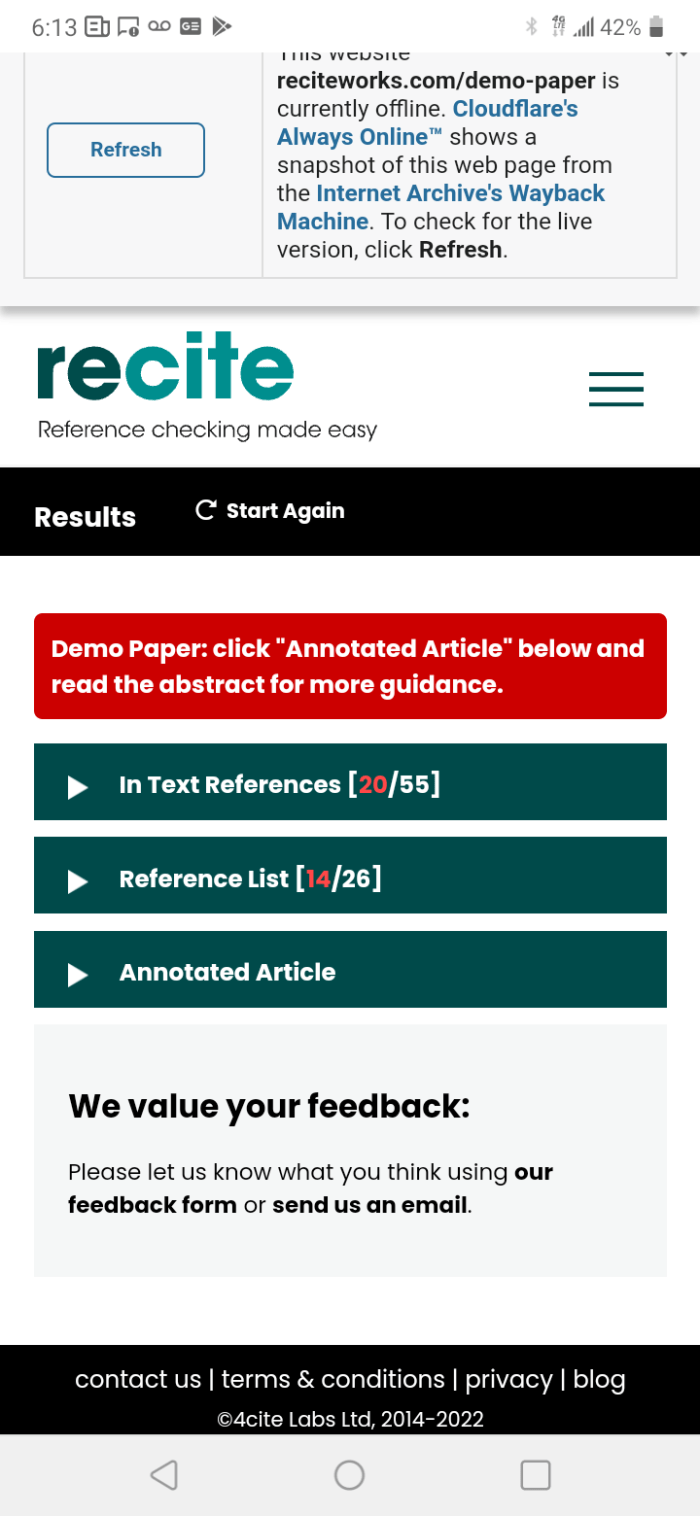
Using the app recite works
Now it is time to talk about a tool to help people to review their references when they are writing a paper for finishing work class, master degree thesis, doctoral thesis, project of investigation, a publication in a scientific magazine or others.
I discovered this tool when a friend of mine asked me how to use it to update and review her citations in a paper for a workshop in Dentistry. She send me the paper by email and I reviewed her document.
The algorithm is simple, select the document on Word format, run the application and it will appear the wrong cites in red and the right cites in green. You must use APA 7 edition or Harvard norm.
Check the reference had been wrote correctly, use in Word menu the option References then insert citation and then add a new source. When you update the references, automatically appear all references with the same format and you do not need to copy and paste.
This app is very useful to avoid plagiarism. I encourage you to use it if you are an university student, or post graduated student, or simply need to publish in a scientific journal. You can find this app it at reciteworks.com. You need to have an email account to make any operation with this app and be patient. It is a step by step procedure, but the results will be wonderful.
 Freelancer professor